DualSense compatibility: separate connection from game features
Bluetooth or USB pairing is only the first check; individual games determine feature support.
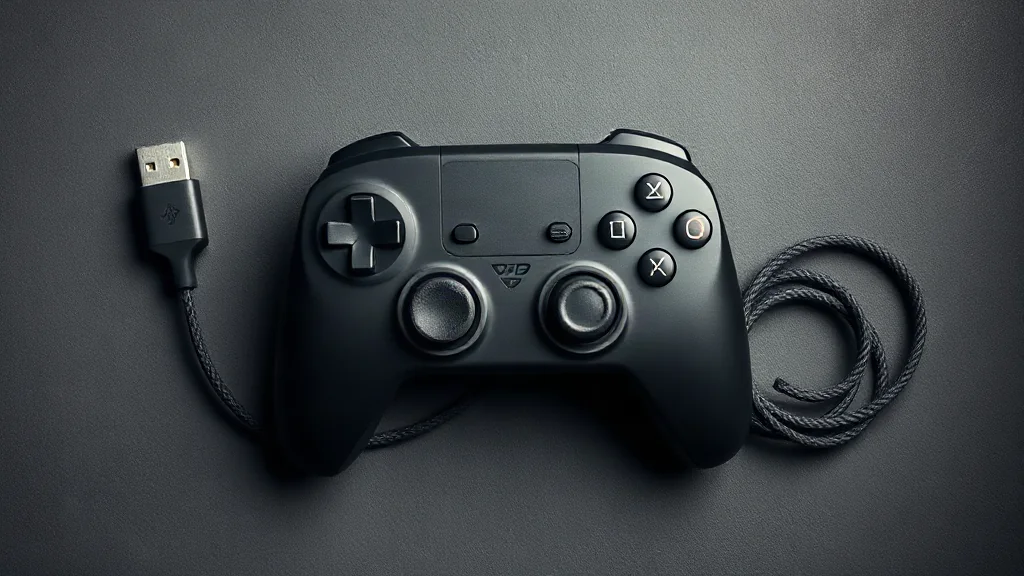
Start by checking whether your intended device supports DualSense, then choose between its supported Bluetooth and USB connection methods. Pairing establishes a connection; it does not establish that every game will use every controller feature. The useful question is therefore both whether the device accepts the controller and what the particular game supports.
On PC, haptic feedback requires USB in supported games. If that feature matters to your choice, check the game’s individual support information and plan for a wired connection. Bluetooth pairing alone should not be taken as evidence of equivalent haptic support.
Keep your checks specific to the combination you intend to use: device, connection and game. This avoids choosing a setup around a feature that the individual title does not support, while leaving you free to prioritise your preferred connection method where the relevant features allow it.
Browse PC controllers on Amazon UK